
EasyKara for Android Is Now Official on Google Play
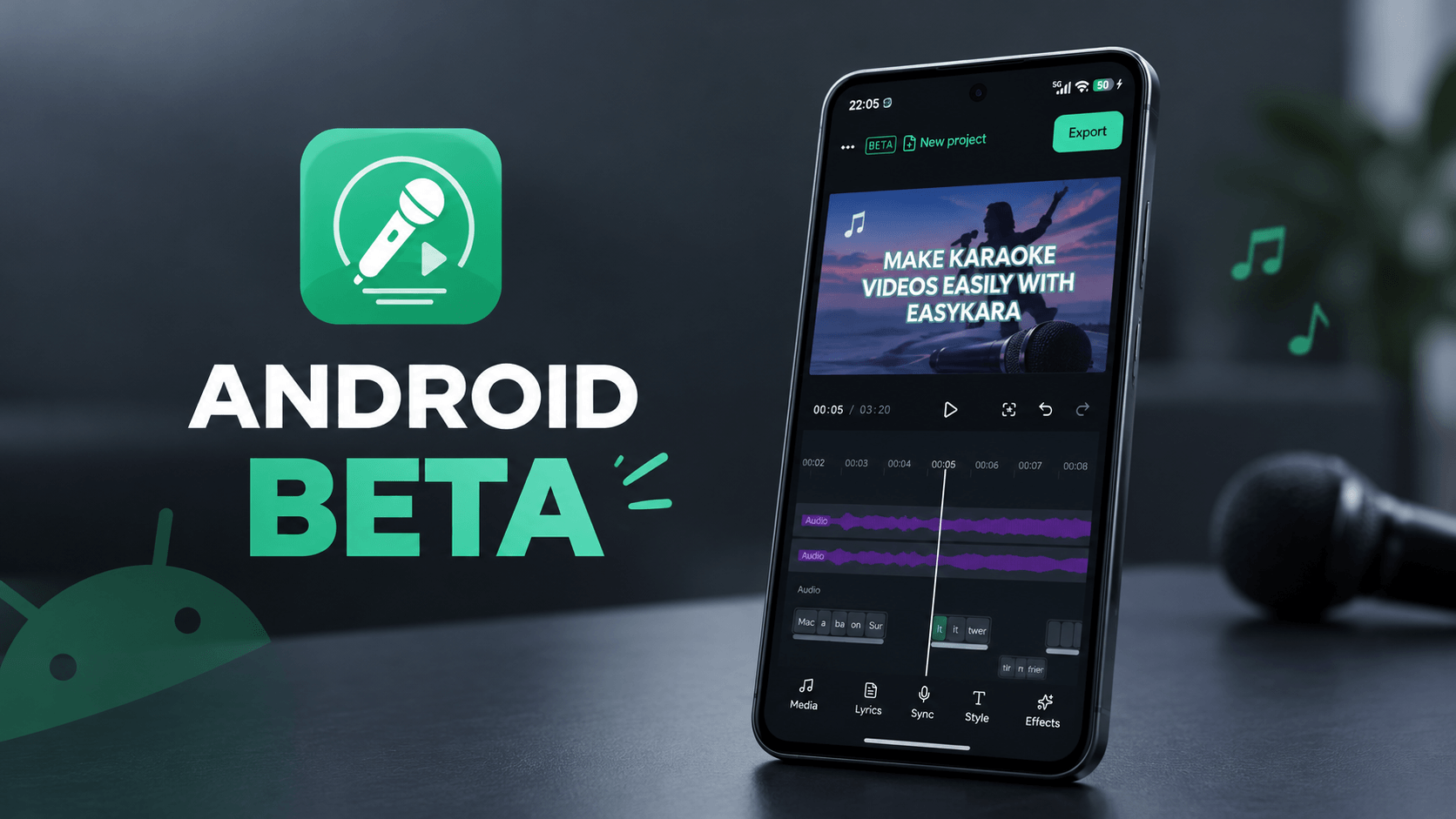
The EasyKara Android app has left closed testing and is now officially available on Google Play. Anyone with an Android phone can install it and make karaoke videos without a computer: import a song, type the lyrics, sync each word to the music, and export an MP4 with subtitle files.
Download for AndroidWhat you can do with EasyKara on Android
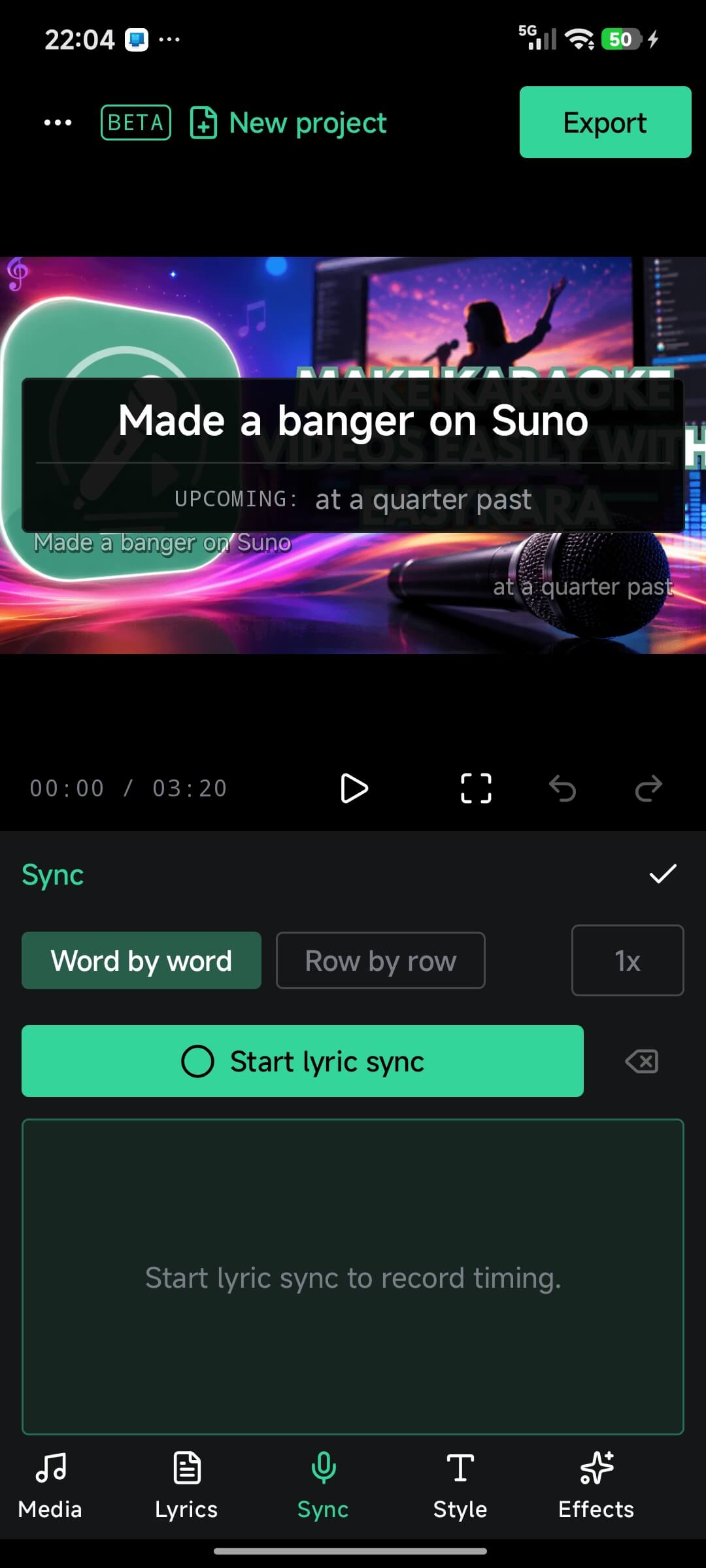
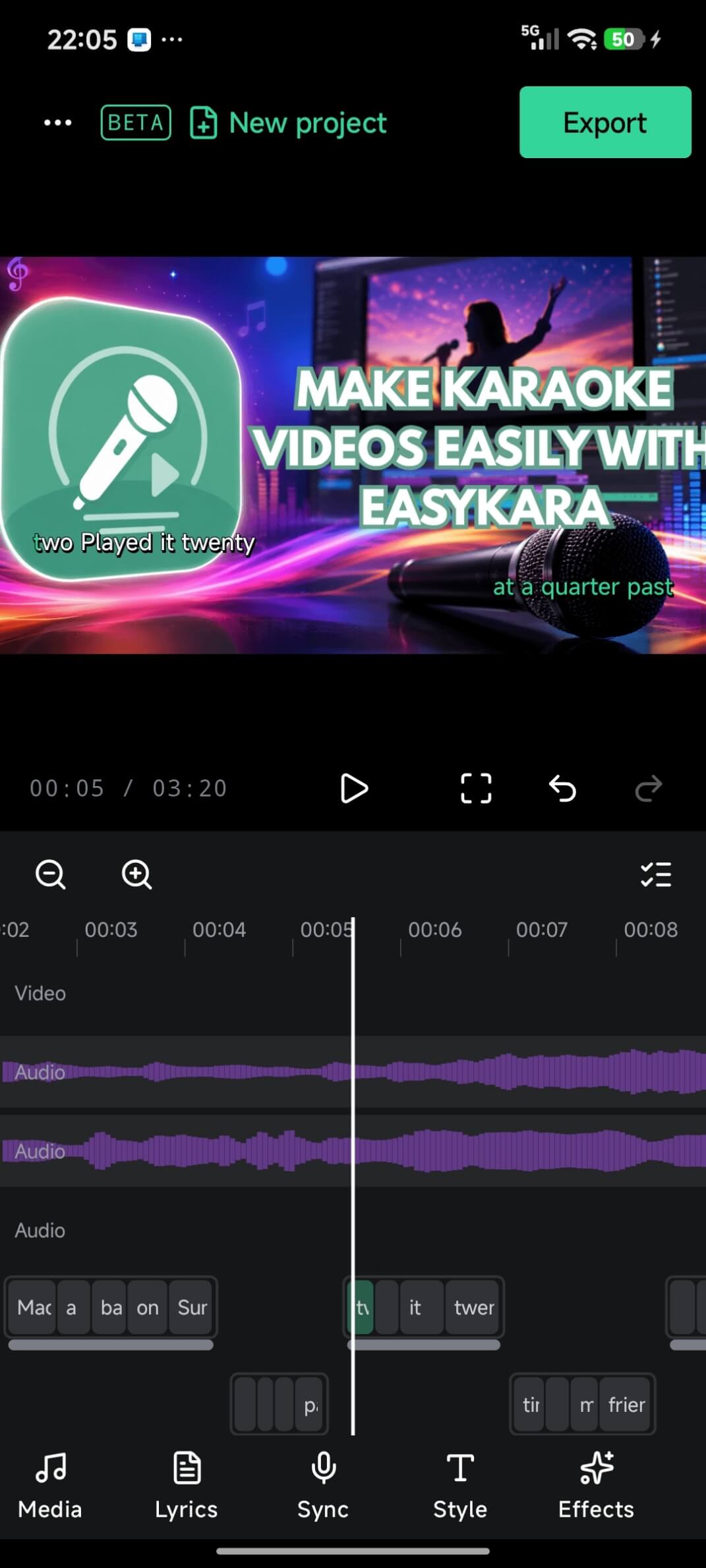
Sync lyrics word by word
Tap along to the music and the app records the start and end of every word. Thai, Lao, Khmer, Burmese and Tibetan lyrics get a block editor of their own.
Edit on a touch-friendly timeline
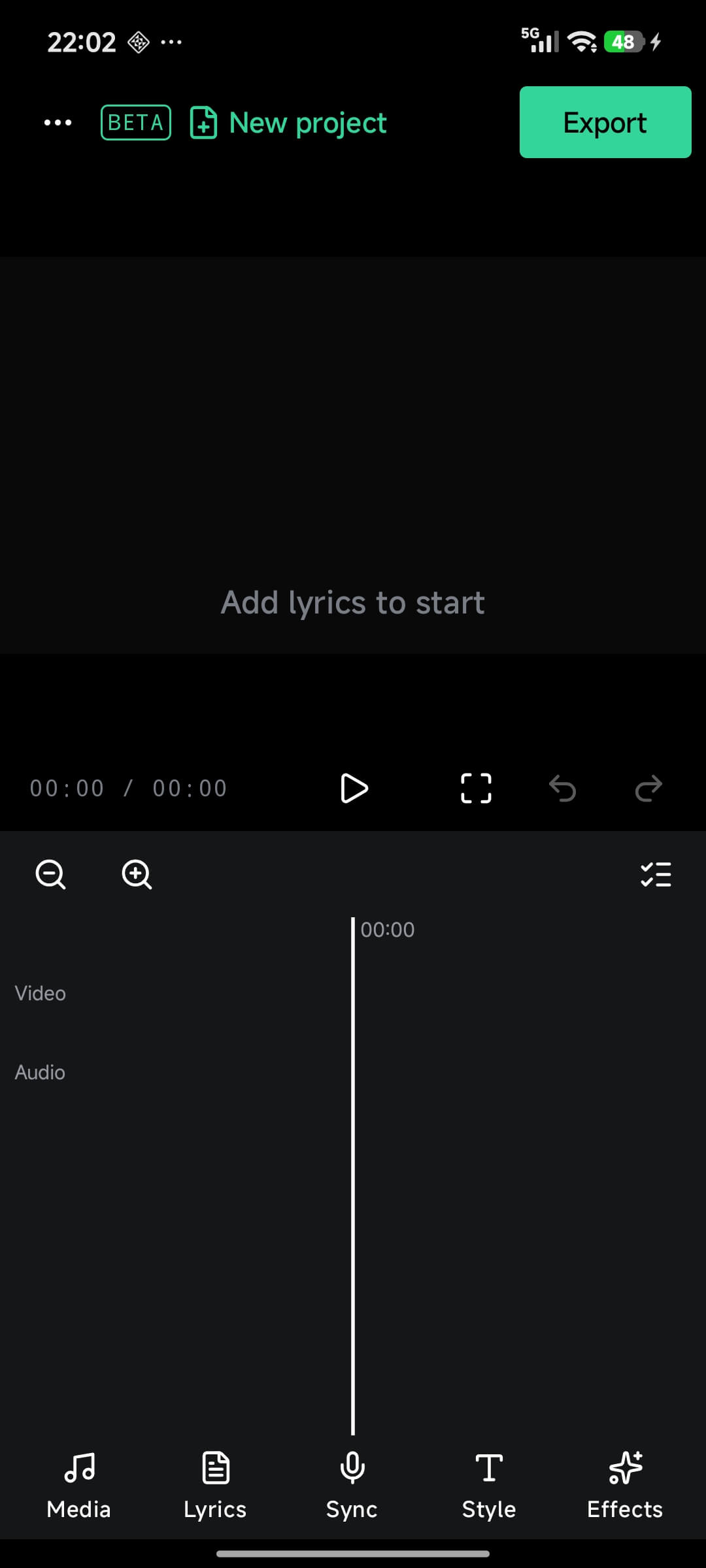
Place video and audio tracks, move word blocks along the playhead and set a volume for each track.
Preview that matches the export
The preview and the exported file use the same audio mix, so the video you approve is the video you get.
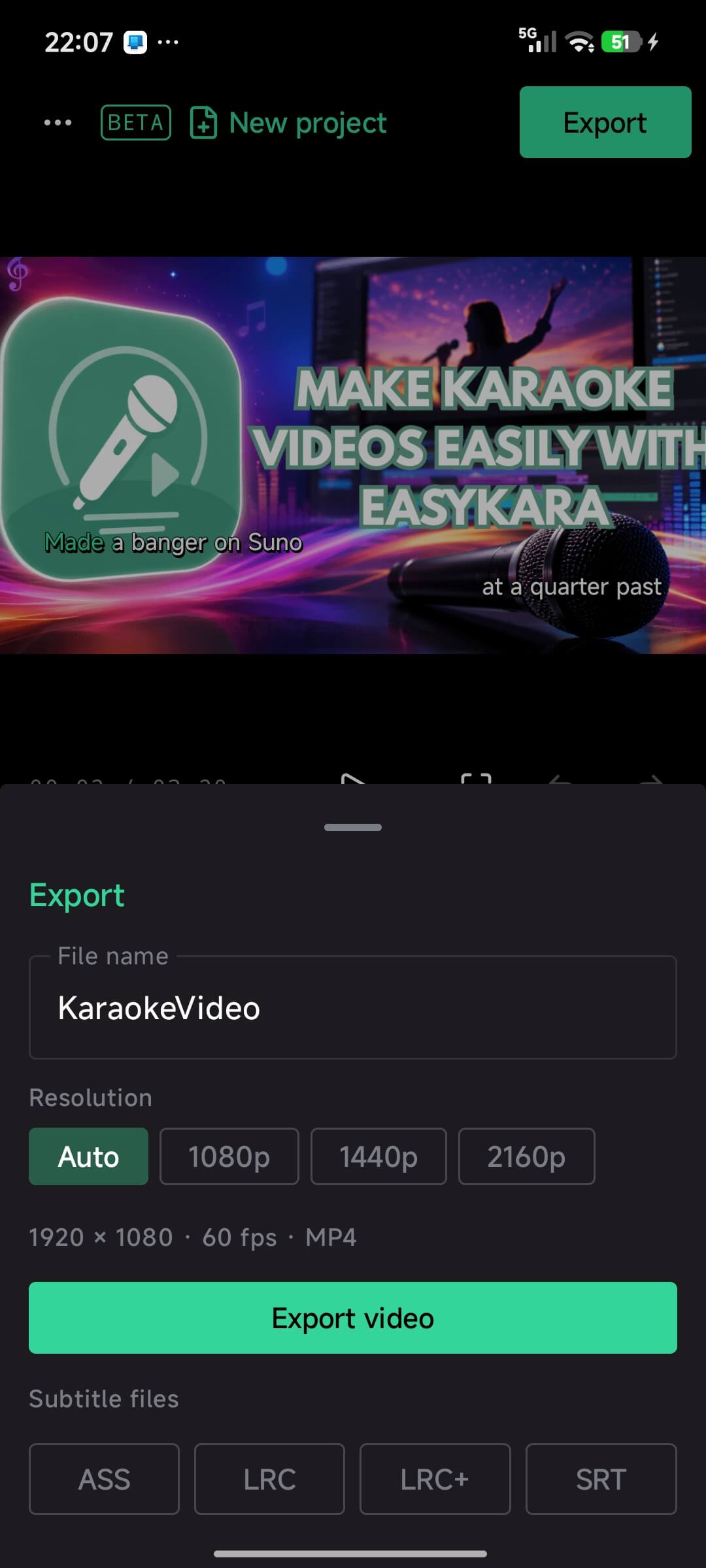
Export video and subtitles
Save an MP4 at 60 fps in Auto, 1080p, 1440p or 2160p, plus ASS, LRC, LRC+ and SRT subtitle files.
Ruby text, clean lyrics and more
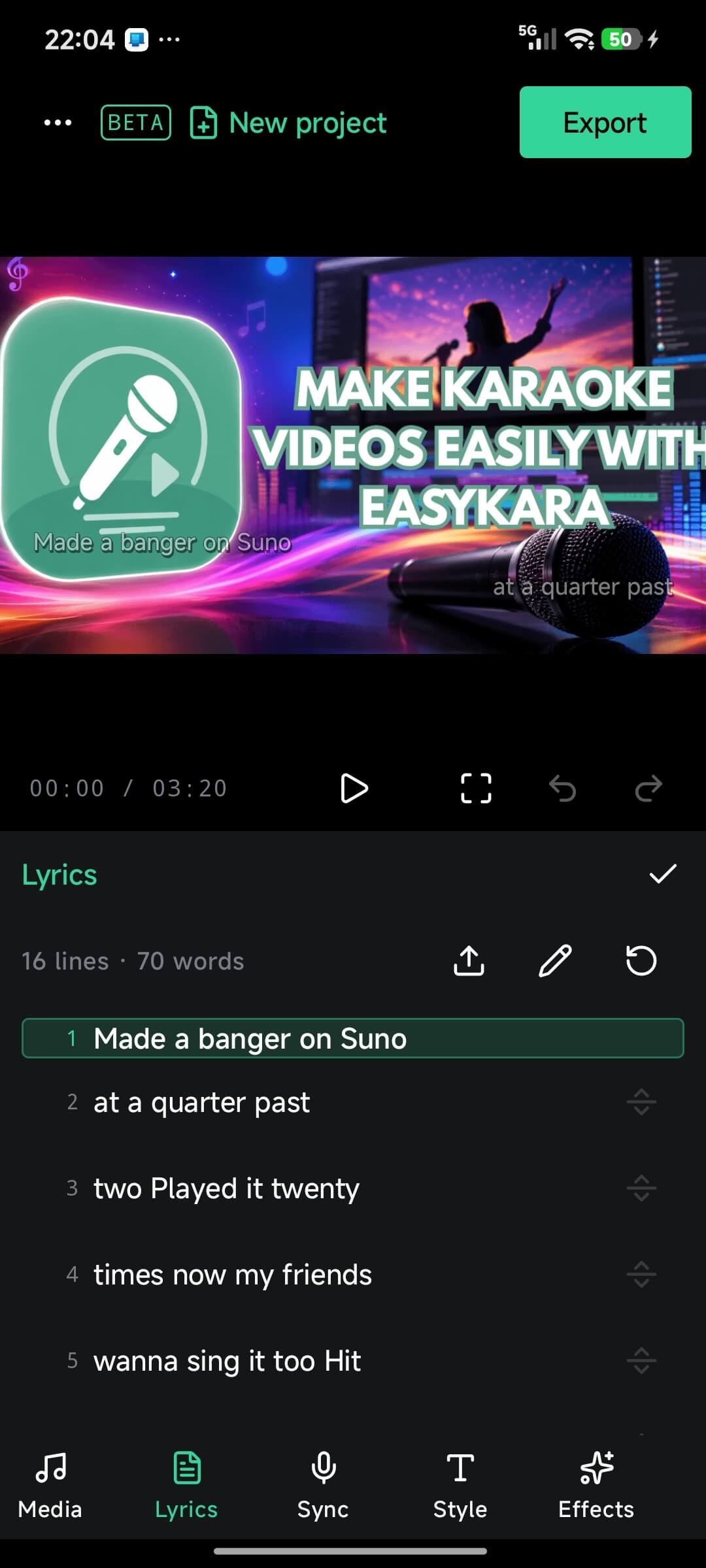
Generate ruby readings, clean lyrics copied from AI music tools, and choose a layout such as scroll trail.
EasyKara on Android at a glance
How to install
Open the EasyKara page on Google Play on your Android phone and tap Install. No Google Group or tester sign-up is needed any more.
Open EasyKara on Google PlayThank you, closed testers
If you joined the closed test, thank you. Your bug reports and ideas shaped this release. Keep using the app and update it from Google Play like any other app.
Send us feedback
Found a bug or have an idea? Tap the menu button (...) in the top-left corner and choose Feedback. You can also email [email protected].
Make your first karaoke video on your phone
Install EasyKara from Google Play. The web editor at easykara.com/editor and the desktop app are still there when you want a bigger screen.
Download for AndroidFrequently asked questions
Is the Android app free to install?
Yes. You can install EasyKara from Google Play at no cost.
Do I still need to join the closed test?
No. The closed test is over. Install EasyKara directly from Google Play.
Can I export a video on Android?
Yes. The export sheet saves an MP4 at 60 fps. You can choose Auto, 1080p, 1440p or 2160p, and export ASS, LRC, LRC+ or SRT subtitle files too.
Where do I report a problem?
Use Feedback in the app menu, or email [email protected].