EasyKara on Android: How to Join the Closed Test
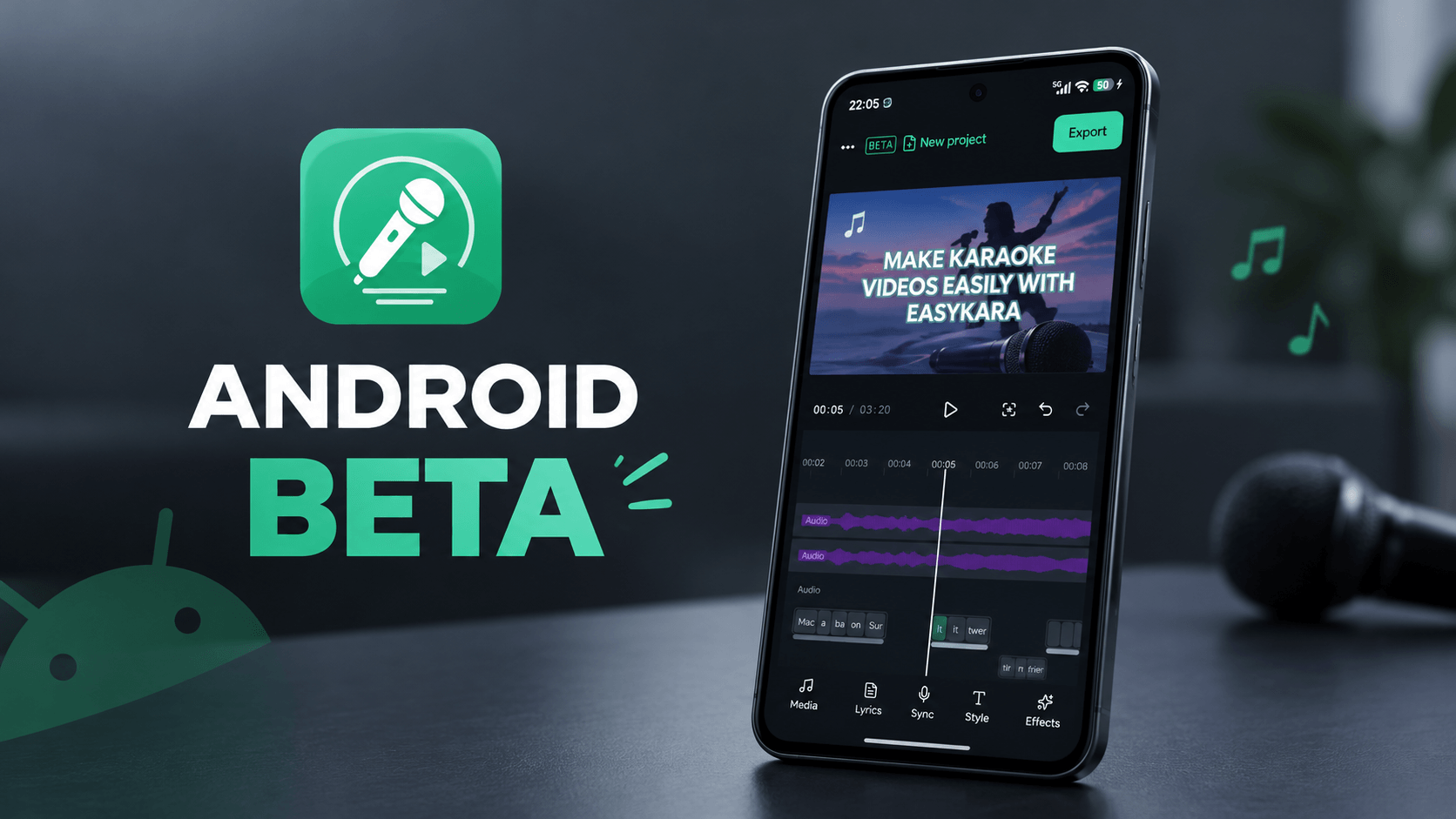
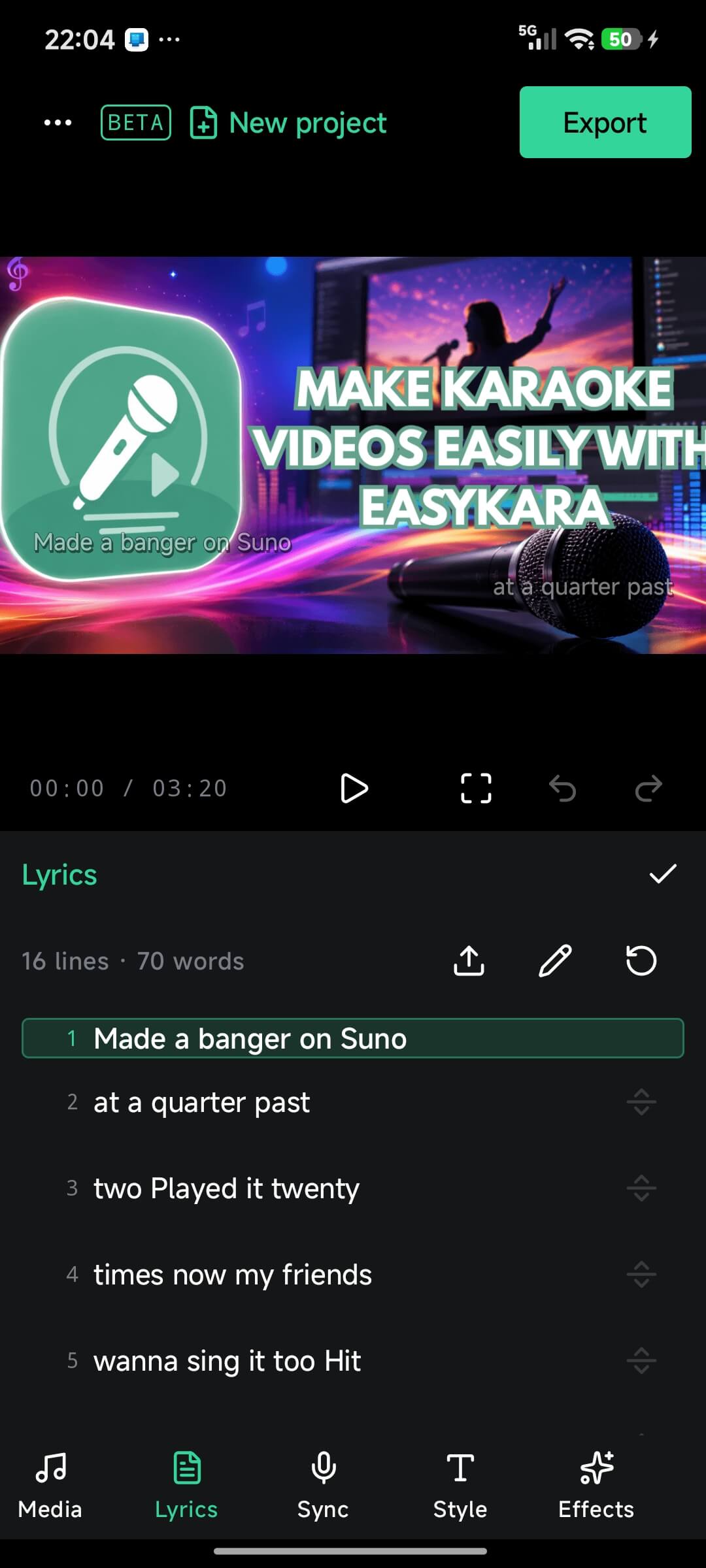
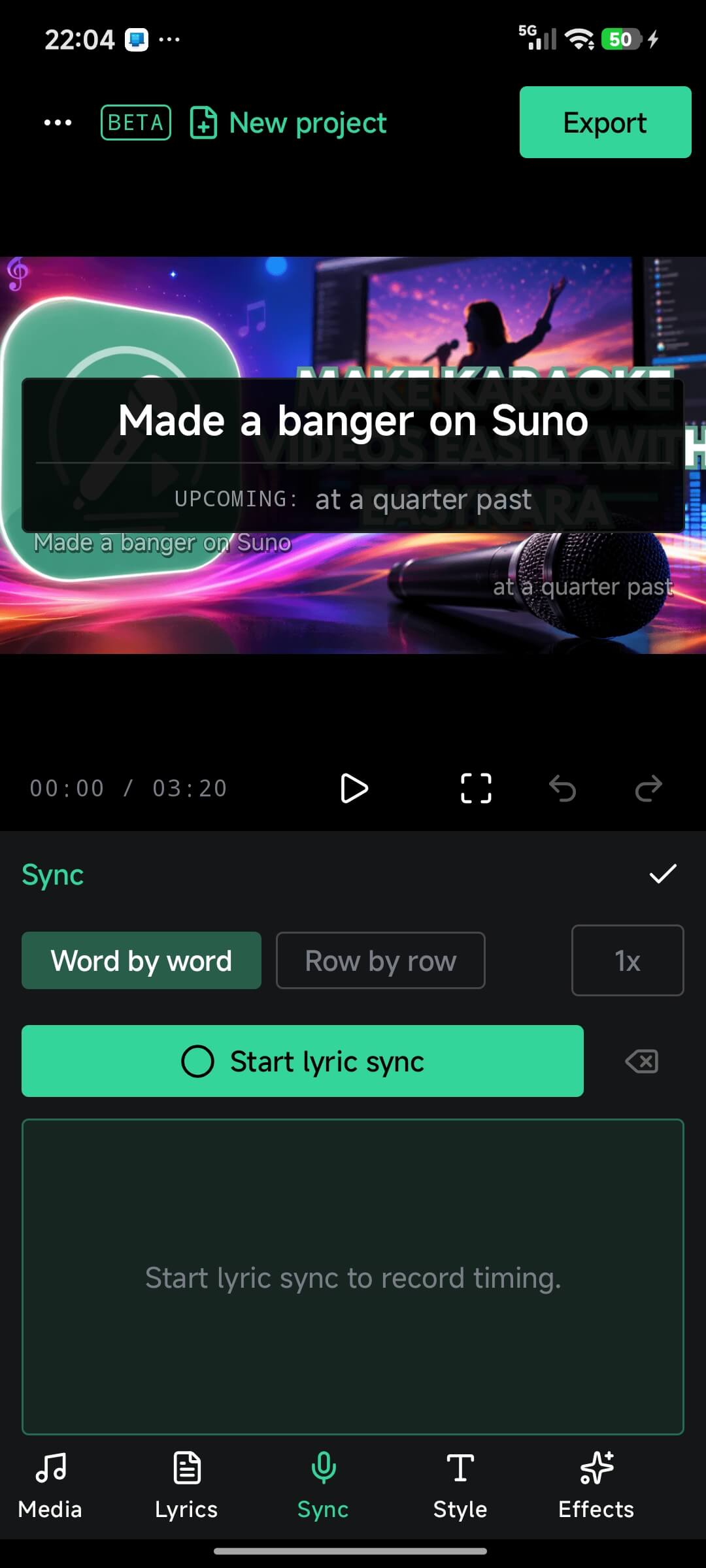
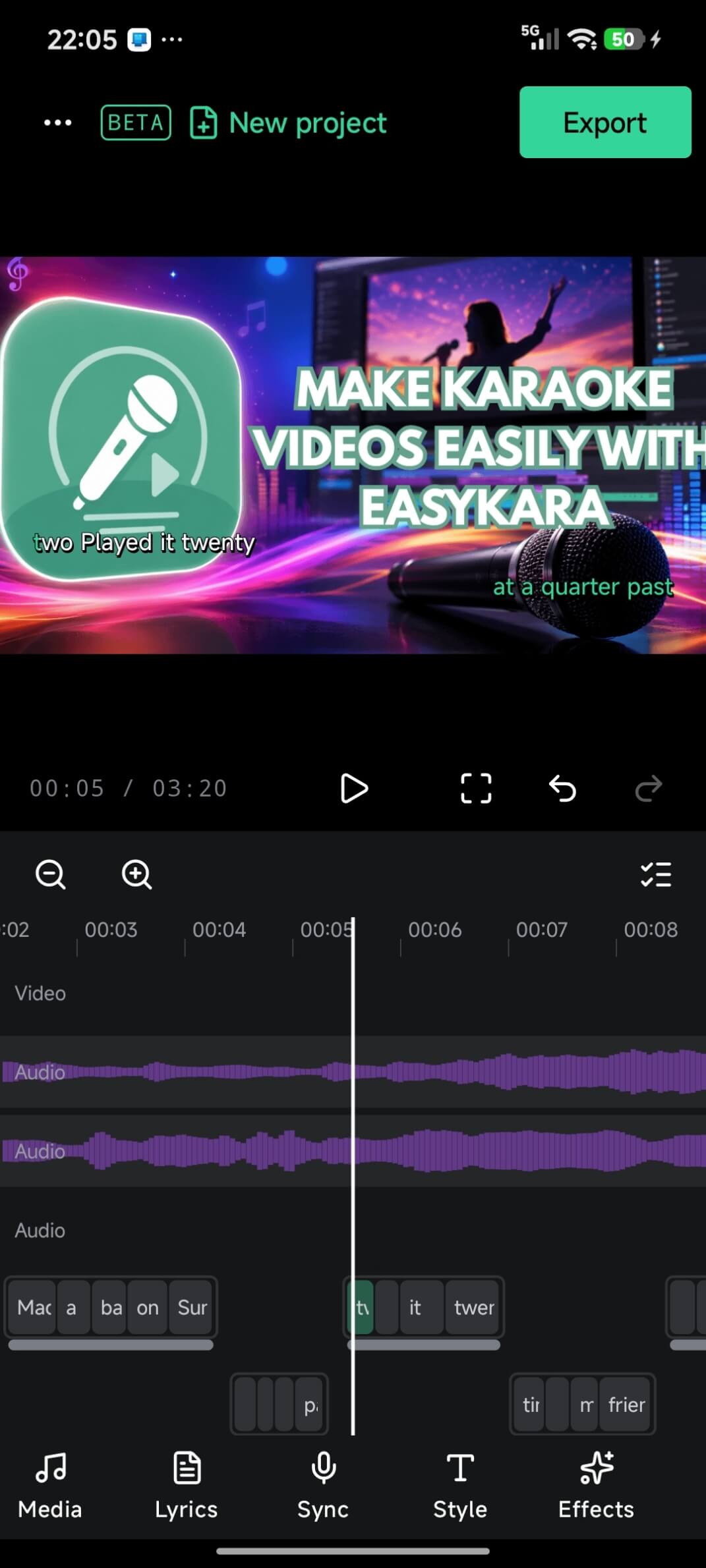
EasyKara is now in closed testing on Android. The beta lets you make karaoke videos on your phone: import a song, type the lyrics, sync each word to the music, and export an MP4 with subtitle files. This guide walks through the three steps to join the closed test. Your feedback helps us improve the app before a wider release.
Step 1: Join the EasyKara Google Group
Open the EasyKara closed tester group and click Join group. Use the Google account you want to test with.
Open the closed tester group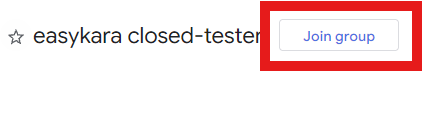
Step 2: Join the Android testing program and become a tester
Open the Google Play testing page with the same Google account. Confirm that you want to become a tester.
Open the Google Play testing page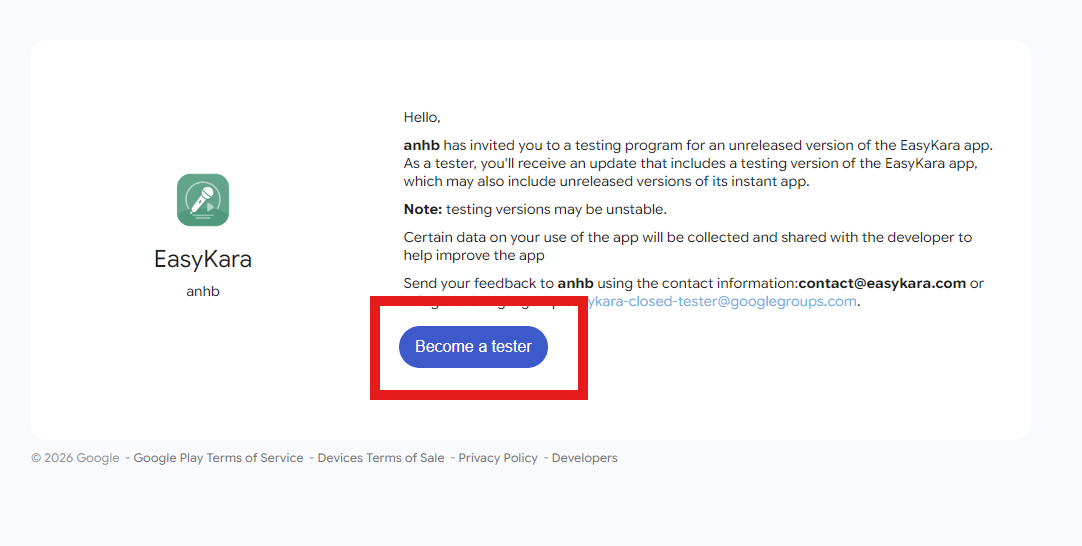
Step 3: Download the app
After you become a tester, open EasyKara on Google Play and tap Install.
Open EasyKara on Google Play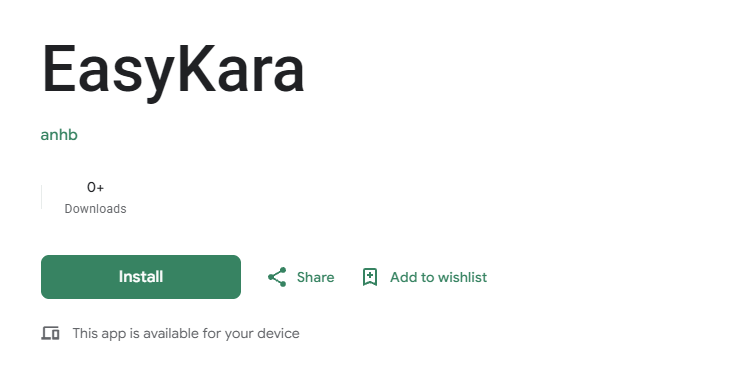
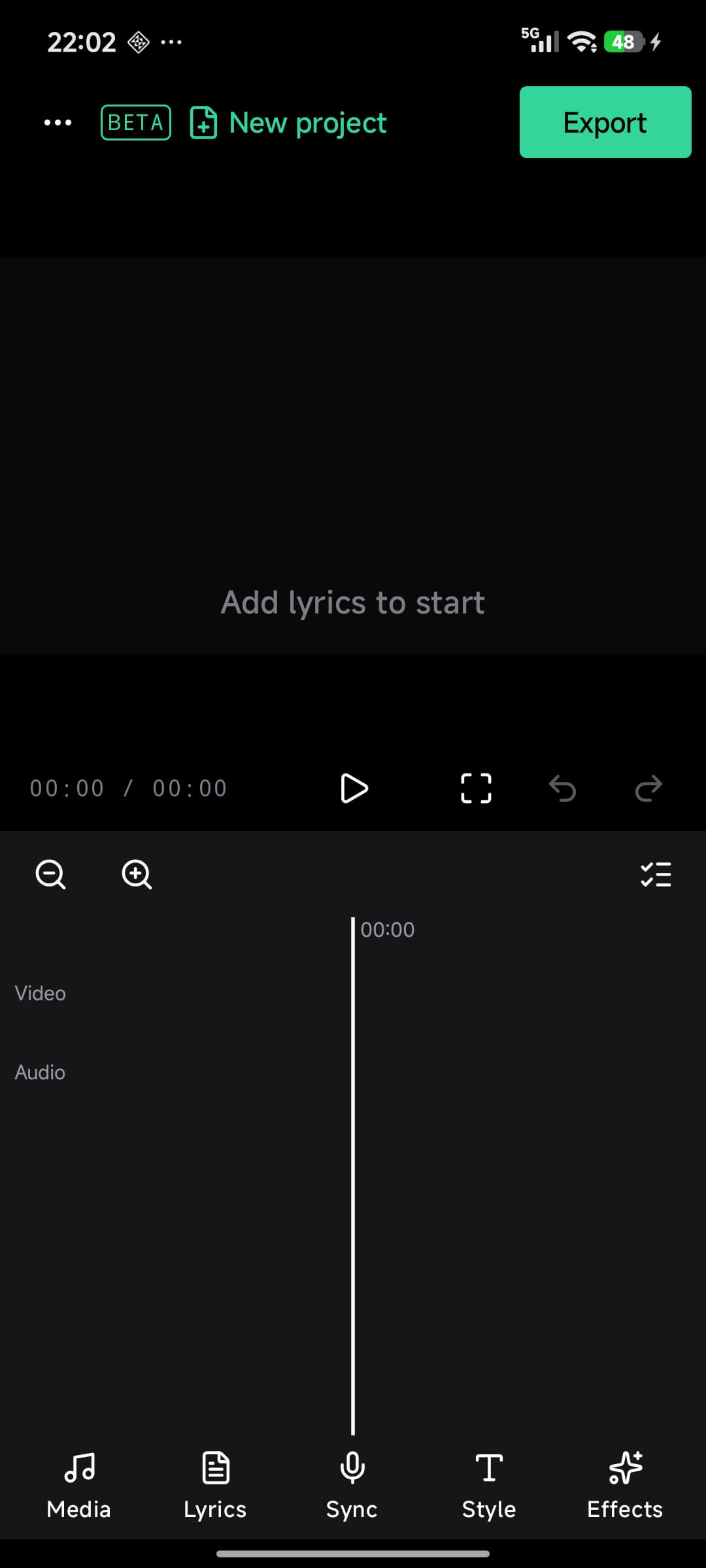
A first look at EasyKara on Android
Send us feedback
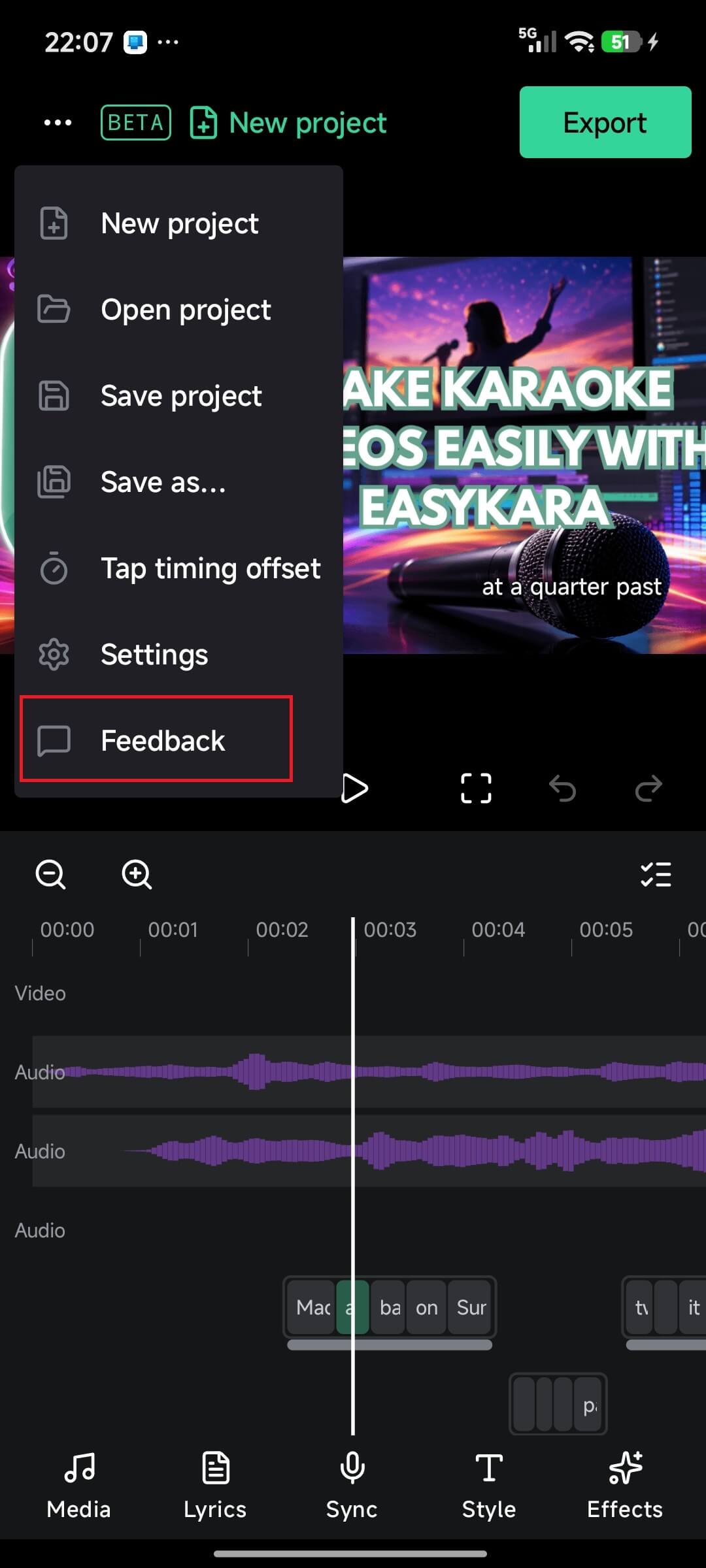
Found a bug or have an idea? Tap the menu button (...) in the top-left corner and choose Feedback. You can also email [email protected].
See you in the closed test
Join the group, become a tester, install EasyKara, and tell us what works and what does not. Thank you for helping us build EasyKara for Android.
Ready to try EasyKara on Android?
Join the closed test in three steps and install the beta from Google Play.
Join the closed testFrequently asked questions
Do I need to join the Google Group before installing?
Yes. Join the Google Group first, become a tester with the same Google account, then install EasyKara from Google Play.
Can I export a video on Android?
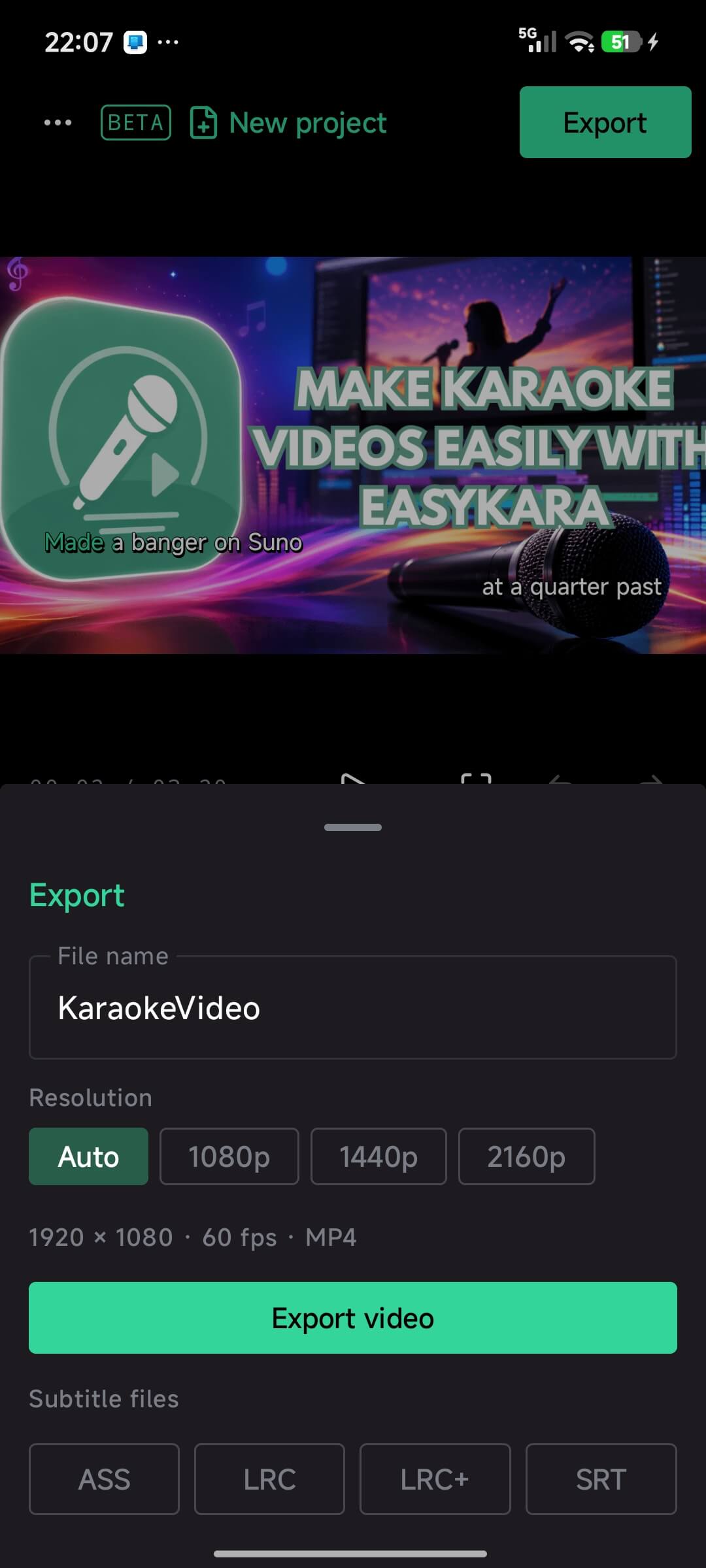
Yes. The export sheet saves an MP4 at 60 fps. You can choose Auto, 1080p, 1440p or 2160p, and export ASS, LRC, LRC+ or SRT subtitle files too.
Where do I report a problem?
Use Feedback in the app menu, or email [email protected].